eSIM Setup & Activation
Can I Use My Regular SIM and Cruise eSIM at the Same Time?

Using an eSIM while traveling doesn't mean you have to give up access to your regular phone number.
With most modern smartphones, your regular SIM and cruise eSIM can work side by side.
This makes it easier to stay connected throughout your cruise without constantly switching SIM cards or changing your usual number.
However, there are a few settings worth checking before you sail, especially if you want to avoid unexpected roaming charges.
Can I Use My Regular SIM and Cruise eSIM at the Same Time?
Yes, you can usually keep your regular SIM active while using a cruise eSIM.
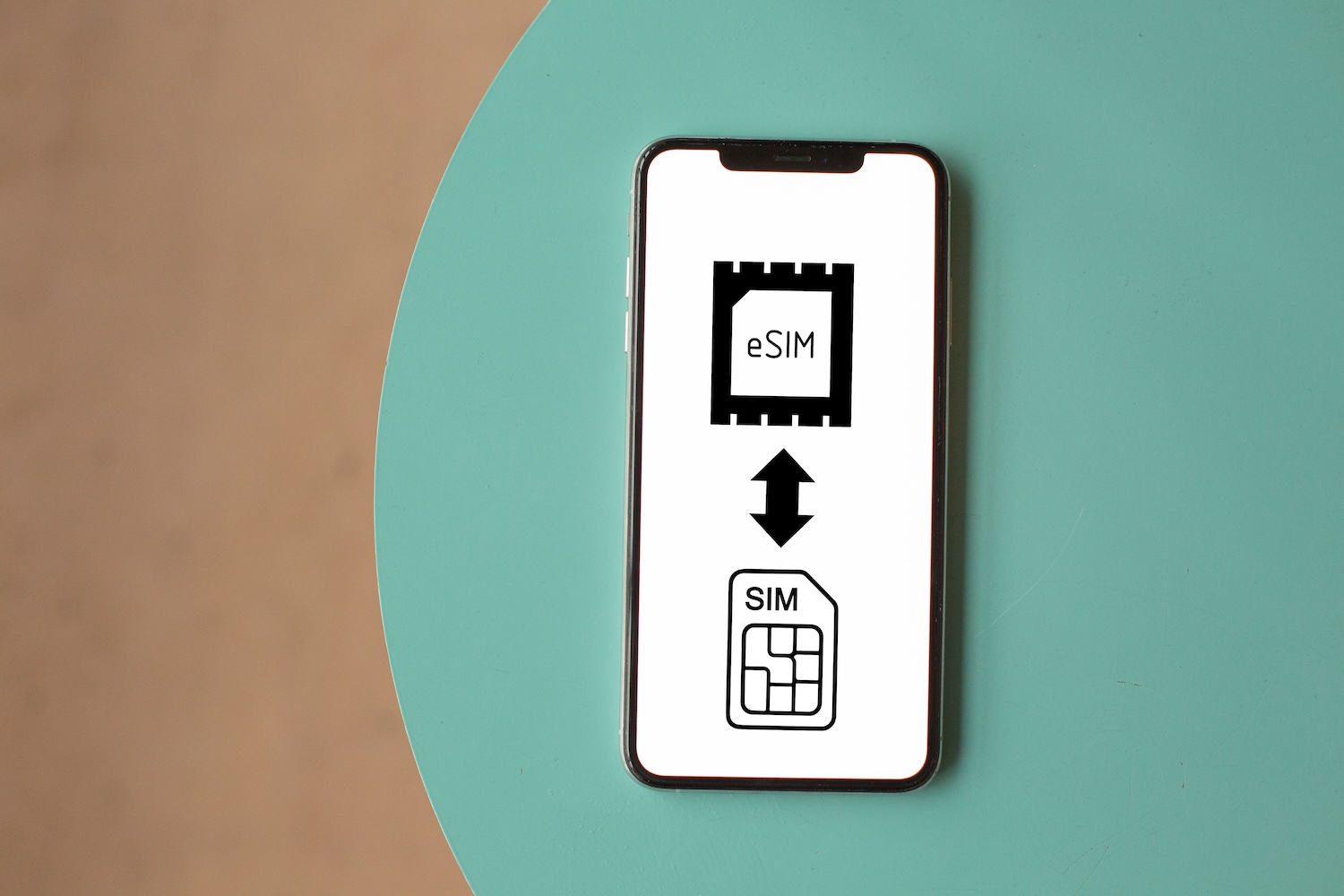
Most modern smartphones support Dual SIM, which allows you to have two mobile plans active on the same phone.
A common setup is to keep your regular SIM for calls and SMS while using your cruise eSIM for mobile data. This means you can keep your usual phone number, receive important text messages and verification codes, and use your cruise eSIM to stay connected during your trip.
You don't need to remove your physical SIM or replace your regular mobile plan when installing a cruise eSIM. You can usually manage both SIMs directly from your phone's settings and choose which one you want to use for data, calls, and messages.
However, it's important to configure your SIM settings correctly before sailing. If your regular SIM connects to a maritime network or uses mobile data while at sea, you could face unexpected roaming charges.
What Is Dual SIM and How Does It Work?
Smartphones offer several Dual SIM configurations.
Depending on the device, you may be able to use:
one physical SIM and one eSIM (example - most iPhones),
two physical SIMs or
two eSIMs.
Some phones can even have two physical SIMs plus one or more eSIMs installed.
However, having multiple SIMs installed doesn't necessarily mean they can all be active at the same time.
Many devices allow only two active lines at once, so the exact setup depends on your phone model and regional version.
Do All eSIM Phones Support Dual SIM?
No. eSIM compatibility and Dual SIM support are not exactly the same thing.
A phone may allow you to install an eSIM without necessarily allowing multiple SIMs to remain active at the same time.
Dual SIM configurations vary between devices. Depending on your phone, you may have:
One physical SIM + one eSIM
Two physical SIMs
Two active eSIMs on supported devices
Multiple stored eSIMs, with only one or two active at a time
Two physical SIM slots plus eSIM capability on some devices
It's important to distinguish between how many SIMs or eSIM profiles a phone can store and how many it can actively use at the same time. For example, a phone might store several eSIM profiles but support only two active mobile lines.
Dual SIM capabilities can also vary depending on the exact model, manufacturer, and the country or region where the phone was purchased.
Before buying a cruise eSIM, check your specific device rather than assuming that all eSIM-compatible phones have the same Dual SIM features.
See our Which Phones Support eSIM for Cruise? guide for more information.
Will My Regular SIM Still Work While Using a Cruise eSIM?
Yes. Using a cruise eSIM for mobile data does not automatically disable your regular SIM.
If your phone supports Dual SIM and you keep your regular SIM active, it can still connect to available mobile networks.
Depending on your carrier, location, and roaming coverage, you may still be able to:
Receive calls on your regular phone number.
Receive SMS and verification codes.
Make calls and send text messages.
Continue using your regular number with services such as iMessage.
However, your regular SIM needs access to a supported network for calls and SMS to work. At sea, this may mean connecting to a maritime cellular network, while in port it may connect to a local mobile network.
Keep in mind that using your regular SIM abroad or at sea can result in international or maritime roaming charges, depending on your carrier and mobile plan.
Read more:
Use Your Cruise eSIM for Mobile Data
In your phone's SIM settings, select your cruise eSIM as the Mobile Data or Cellular Data line. This tells your phone to use the cruise eSIM whenever an app needs an internet connection.
Depending on your cruise eSIM provider, you may also need to turn Data Roaming ON for the cruise eSIM. Many travel and cruise eSIMs connect through partner networks, so roaming needs to be enabled for the eSIM to work correctly.
Make sure your regular SIM isn't selected as a backup data connection, as your phone could otherwise switch to it when the cruise eSIM temporarily loses coverage.
Keep Your Regular SIM Active for Calls and Texts
You can keep your regular SIM switched on if you want to continue using your normal phone number during your cruise. This can be useful for receiving SMS messages, verification codes, and important calls.
However, keeping the SIM active doesn't mean calls and texts are free. If your regular SIM connects to an international or maritime cellular network, making or receiving calls and sending SMS may result in roaming charges from your mobile carrier.
If you don't need your regular number during the cruise, you can also temporarily turn the SIM off in your phone's settings without physically removing it.
Will WhatsApp Keep My Regular Phone Number?
Yes. Installing and using a cruise eSIM does not normally change the phone number connected to your WhatsApp account. You can keep using WhatsApp with your regular phone number while your cruise eSIM provides the mobile data connection.
For example, if WhatsApp is registered with your regular SIM number, you don't need to register it again or switch it to your cruise eSIM. Your messages, contacts, groups, and account remain the same.
The same generally applies to other internet-based messaging apps, including:
WhatsApp
Messenger
Telegram
Signal
iMessage
These apps mainly need an internet connection to send and receive messages once they have already been set up. That connection can come from your cruise eSIM, ship Wi-Fi, or another Wi-Fi network.
Just be careful if a messaging app asks you to change or verify your phone number after installing the eSIM. In most cases, there is no need to change your existing number simply because you're using a cruise eSIM for data.
Will I Get Roaming Charges If My Regular SIM Is Still Active?
Simply keeping your regular SIM active does not necessarily mean you'll be charged roaming fees.
However, certain activities can result in additional charges when your regular SIM connects to an international or maritime network.
You may be charged for:
Making or receiving phone calls.
Sending SMS messages.
Using mobile data through your regular SIM.
Connecting to and using services through a maritime cellular network.
The biggest thing to watch out for on a cruise is maritime roaming. Once the ship sails away from land-based mobile towers, your regular SIM may connect to the ship's maritime cellular network. These networks can have significantly different rates from normal international roaming.
Your usual international roaming package may not include maritime coverage, even if roaming is included in the countries you're visiting. For example, your plan might cover mobile usage while you're in port but not while the ship is at sea.
To reduce the risk of unexpected charges, check your carrier's maritime roaming rates before your cruise and make sure your regular SIM isn't being used for mobile data at sea.
For a more detailed comparison of the two options, see our Cruise eSIM vs International Roaming guide.
Can My Phone Accidentally Use Data From My Regular SIM?
Yes, this can happen on some Dual SIM phones. Certain devices have features that can automatically switch mobile data between SIMs if the selected data connection becomes weak or unavailable.
For example, if your cruise eSIM temporarily loses its connection at sea, your phone may try to use your regular SIM for mobile data instead. If your regular SIM connects to an international or maritime network, this could result in unexpected roaming charges.
When installing your cruise eSIM, you may be asked whether you want to allow mobile data switching between SIM cards. Select “No” or keep this option turned off to prevent your phone from automatically switching to your regular SIM for data.
This doesn't happen on every phone or with every setup, but it's worth checking your settings before sailing. Pay particular attention to features such as Cellular Data Switching, Automatic Data Switching, or similar options.
What Happens to Both SIMs When You're in Port?
When your cruise ship approaches land or arrives in port, your phone may start detecting regular land-based mobile networks again. Both your regular SIM and cruise eSIM may have different connectivity options depending on the country and the coverage included in each plan.
In port, you may be able to:
Continue using your cruise eSIM if your plan includes land coverage.
Use your regular SIM if your mobile plan includes international roaming in that country.
Connect to Wi-Fi at the cruise terminal, restaurants, cafés, hotels, or other locations.
If your cruise visits several countries, check what your cruise eSIM covers before your trip. Many cruise eSIM plans provide both at-sea and land-based coverage, allowing you to use the same eSIM while sailing and during port visits.
Your regular SIM may also work normally in port, but international roaming rates will depend on your mobile carrier and the country you're visiting.
Read more: Will My eSIM Work When the Cruise Arrives in Port?
Featured photo by Carlo Jünemann from Pexels