eSIM Setup & Activation
Will My eSIM Work When the Cruise Arrives in Port?
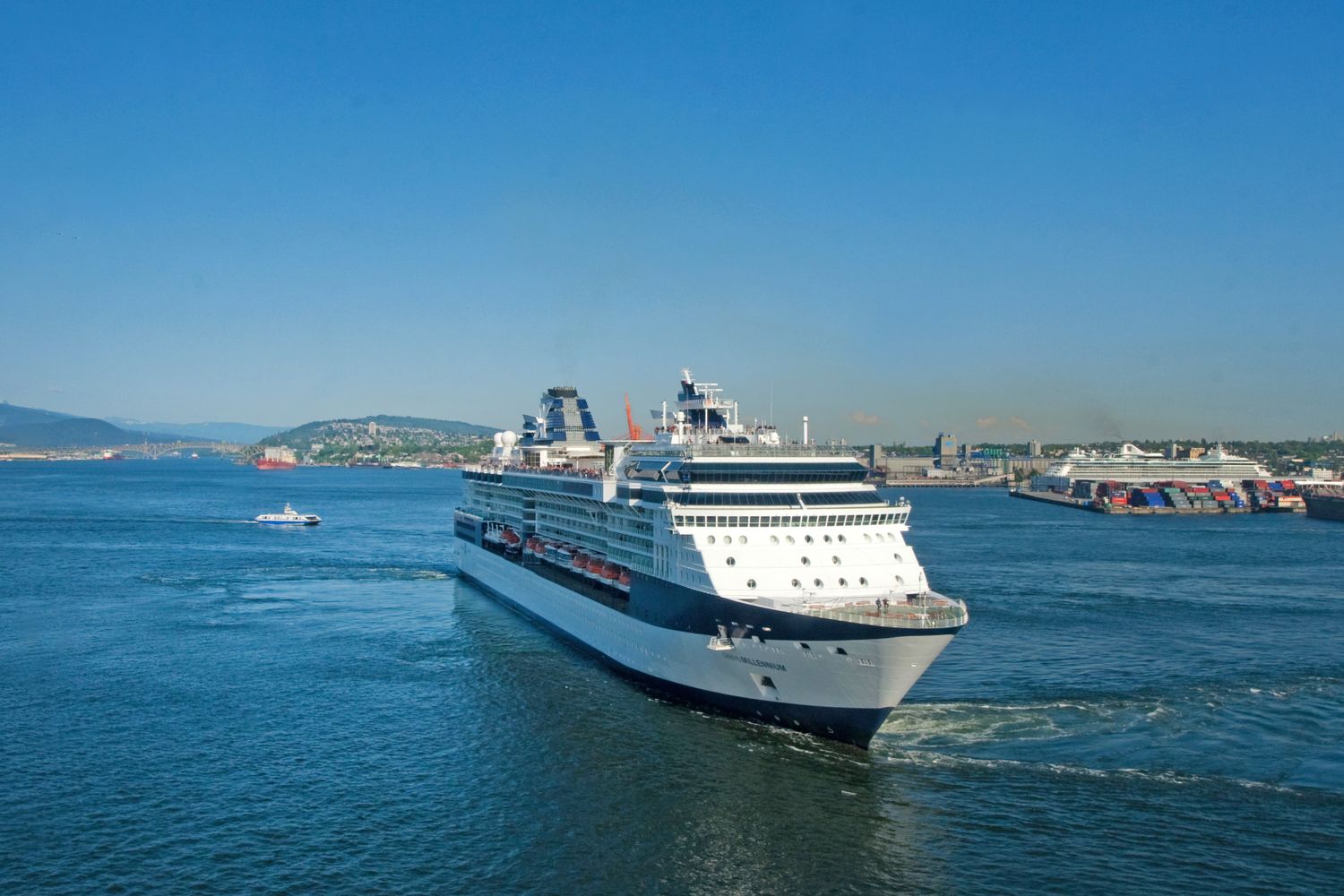
One of the most common questions cruise travelers ask is whether their eSIM will keep working once the ship arrives in port. Do you need to install another eSIM, change your phone settings, or manually switch to a local mobile network?
In most cases, the answer is no. If your cruise eSIM includes coverage for the country you're visiting, your phone will automatically disconnect from the maritime network and connect to a supported local mobile network when the ship docks. The transition usually happens in the background, allowing you to continue using mobile data without changing any settings.
The only exception is if your eSIM doesn't include the destination in its coverage. In that case, your phone won't be able to connect to a local network until you activate another plan or reach a covered location.
Yes. If Your Cruise eSIM Includes Port Coverage
If your cruise eSIM includes both maritime coverage and the countries on your itinerary, staying connected when the ship arrives in port is usually seamless.
As the ship approaches land, your phone will automatically stop using the maritime network that provided coverage while you were at sea. It will then search for available land-based mobile networks in the destination country.
If your eSIM supports that country and has agreements with local mobile operators, your phone will automatically connect to one of those networks. In most cases, this process takes only a few moments, and you won't need to install another eSIM, change your network settings, or manually select a carrier.
Once connected, you can continue using mobile data just as you would when traveling on land. Apps, maps, messaging services, and web browsing should work normally, subject to your plan's data allowance and local network availability.
This automatic transition is one of the main advantages of a cruise eSIM. Instead of purchasing a separate eSIM in every port or relying on expensive roaming through your home carrier, a single supported plan can keep you connected throughout both your time at sea and your stops on land.
What Happens If the Destination Isn't Covered?
If your cruise eSIM doesn't include the country where your ship has docked, your phone won't be able to connect to a local mobile network. Even though local cellular networks are available, your eSIM can only connect to networks in countries that are included in your plan.
As a result, mobile data won't work until you arrive in a destination that is covered by your eSIM or activate another data plan. Depending on your phone's settings, it may display "No Service", continuously search for a network, or show a network without providing a working data connection.
Fortunately, you still have a few options to stay connected:
Use the ship's Wi-Fi. If you're back on board and have purchased a Wi-Fi package, you can continue using the internet through the ship's satellite connection.
Buy a local eSIM. If you're spending significant time in port or extending your trip before or after the cruise, a local eSIM can be an affordable way to access mobile data in that country.
Wait until your next covered destination. If the port stop is short and your itinerary includes countries supported by your cruise eSIM, your phone will automatically reconnect once you reach the next covered location.
To avoid unexpected connectivity issues, it's always a good idea to check your eSIM's coverage before your trip and make sure it includes every country you plan to visit.
Do You Need to Change Any Settings?
In most cases, no. One of the biggest advantages of using an eSIM is that the transition between networks happens automatically, so you don't need to adjust your phone's settings every time your cruise arrives in a new destination.
As long as your eSIM is configured correctly before your trip, your phone will automatically switch from the maritime network at sea to a supported local mobile network when the ship docks.
Before you board, make sure that:
Your eSIM is enabled in your phone's settings.
Data roaming is turned on for the eSIM if your provider requires it. Many travel and cruise eSIMs use roaming agreements with partner networks, so disabling roaming may prevent the eSIM from connecting.
Mobile data is assigned to the eSIM rather than your primary SIM card if you're using a dual SIM device.
If everything is set up correctly, you usually won't need to do anything when arriving in port. Your phone will detect the available network and connect automatically within a few moments.
If the connection doesn't happen immediately, try turning Airplane Mode on and off or restarting your phone. This forces the device to search for available networks again and often resolves temporary connection issues.
Cruise eSIM vs Local eSIM in Port
If your cruise includes several destinations, you may be wondering whether it's better to use a cruise eSIM for the entire trip or purchase a local eSIM each time you arrive in a new country.
A cruise eSIM is designed to provide a more seamless experience by covering both supported maritime networks at sea and local mobile networks in port. In contrast, local eSIMs are often cheaper within a single country but don't provide any connectivity while your ship is sailing.
Here's how the two options compare:
Feature | Cruise eSIM | Local eSIM |
|---|---|---|
Works while at sea | ✅ Yes (on supported ships and maritime networks) | ❌ No |
Works in port | ✅ Yes, in covered countries | ✅ Yes, but only in the country where it was purchased |
Network switching | ✅ Automatically switches from sea to land networks | ❌ You may need to install or activate a new eSIM in each country |
Setup | One installation before your cruise | May require downloading multiple eSIMs during the trip |
Best for | Multi-country cruises and staying connected throughout the voyage | Travelers spending most of their time in one destination |
Coverage | Maritime networks plus supported countries | Single country (or regional plan, depending on the provider) |
Convenience | High—one plan for the entire trip | Lower—may need to manage multiple plans |
Cost | Predictable pricing for the whole cruise | Often cheaper per country, but costs can add up across multiple ports |
If your itinerary includes several countries and you want to stay connected both at sea and in port, a cruise eSIM is usually the more convenient option. However, if you're spending several days in a single destination before or after your cruise, a local eSIM may offer better value thanks to larger data allowances and lower prices within that country.
For many travelers, the ideal solution is to use a cruise eSIM during the voyage and, if needed, supplement it with a local eSIM for destinations where they plan to stay longer. This provides continuous connectivity while still taking advantage of lower local data rates.
How to Check If You're Connected After Docking
When your cruise arrives in port, it's a good idea to confirm that your phone has successfully switched from the maritime network to a local mobile network. In most cases, this happens automatically within a few minutes, but it's worth checking before you start using mobile data.
Here are a few simple ways to verify that you're connected:
Check the Network Name
Look at the network name displayed on your phone. If you previously saw a maritime network such as Cellular at Sea while sailing, it should now be replaced with the name of a local mobile carrier in the country you've arrived in.
You can also view the connected network in your phone's cellular or mobile settings if it isn't shown on the home screen.
Test Your Mobile Data
Turn off Wi-Fi to make sure you're using mobile data, then open a website, check your email, or send a message through an app like WhatsApp. If everything loads normally, your phone has successfully connected to the local mobile network.
If you leave Wi-Fi enabled, your phone may continue using the ship's internet connection, making it difficult to tell whether your eSIM is working.
Look for a Local Carrier
Another easy way to confirm the switch is by checking which carrier your phone is connected to. Instead of displaying a maritime network, you should see the name of a local operator in your destination country.
For example, if your cruise has arrived in Italy, your phone may connect to an Italian mobile carrier. If you've docked in Spain, it should switch to a Spanish network, provided your eSIM includes coverage there.
If You're Not Connected
If your phone doesn't connect after docking:
Wait a few minutes, as network switching isn't always instant.
Toggle Airplane Mode on and off to force your phone to search for available networks.
Restart your device if necessary.
Double-check that your destination is included in your eSIM's coverage.
Ensure your eSIM is enabled and mobile data is assigned to it.
If your destination is covered, your phone should connect automatically once a supported local network becomes available.
How Cruise eSIM Coverage Changes Between Port and Sea
The eSIM provides coverage both at sea and in port on supported cruise routes. While you're on the ship, the maritime network typically becomes available once the vessel is about 12 nautical miles (around 22 km) from shore, which is often about an hour after departure.
When your ship is in port or sailing close to the coastline, your phone will instead connect to supported land-based mobile networks. Coverage during this time depends on the availability and range of local cellular towers.
Because of this transition between land and maritime networks, you may occasionally experience a short period with limited or no service shortly after leaving port. During this time, the ship may be too far from coastal cell towers but not yet far enough offshore for the maritime network to become available. Once the vessel reaches the required distance from land, your phone should connect automatically to the maritime network if your eSIM supports it.
Featured photo by Jeffry Surianto from Pexels