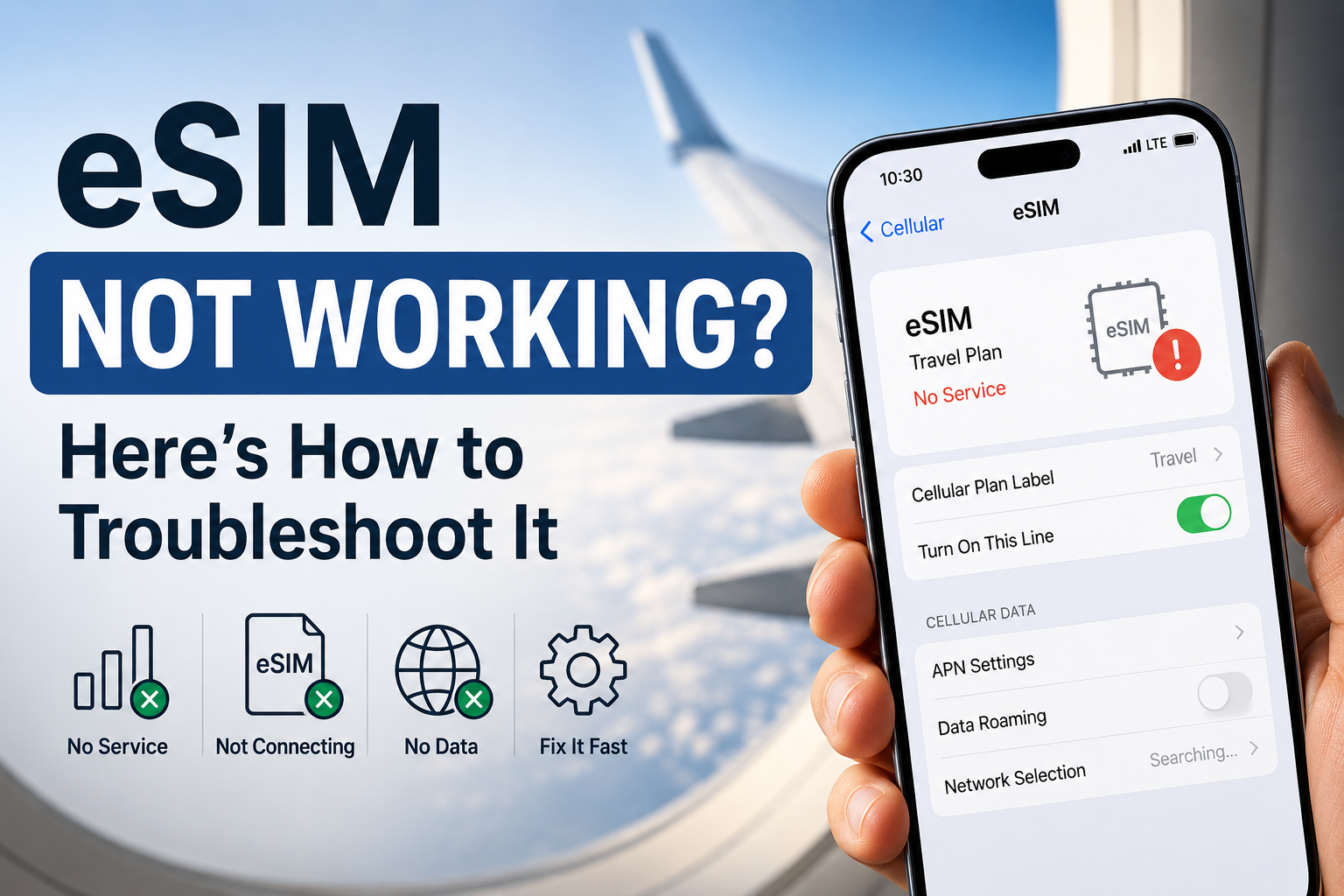
Cruise eSIM Problems and Troubleshooting
Common Reasons Why an eSIM Doesn't Work
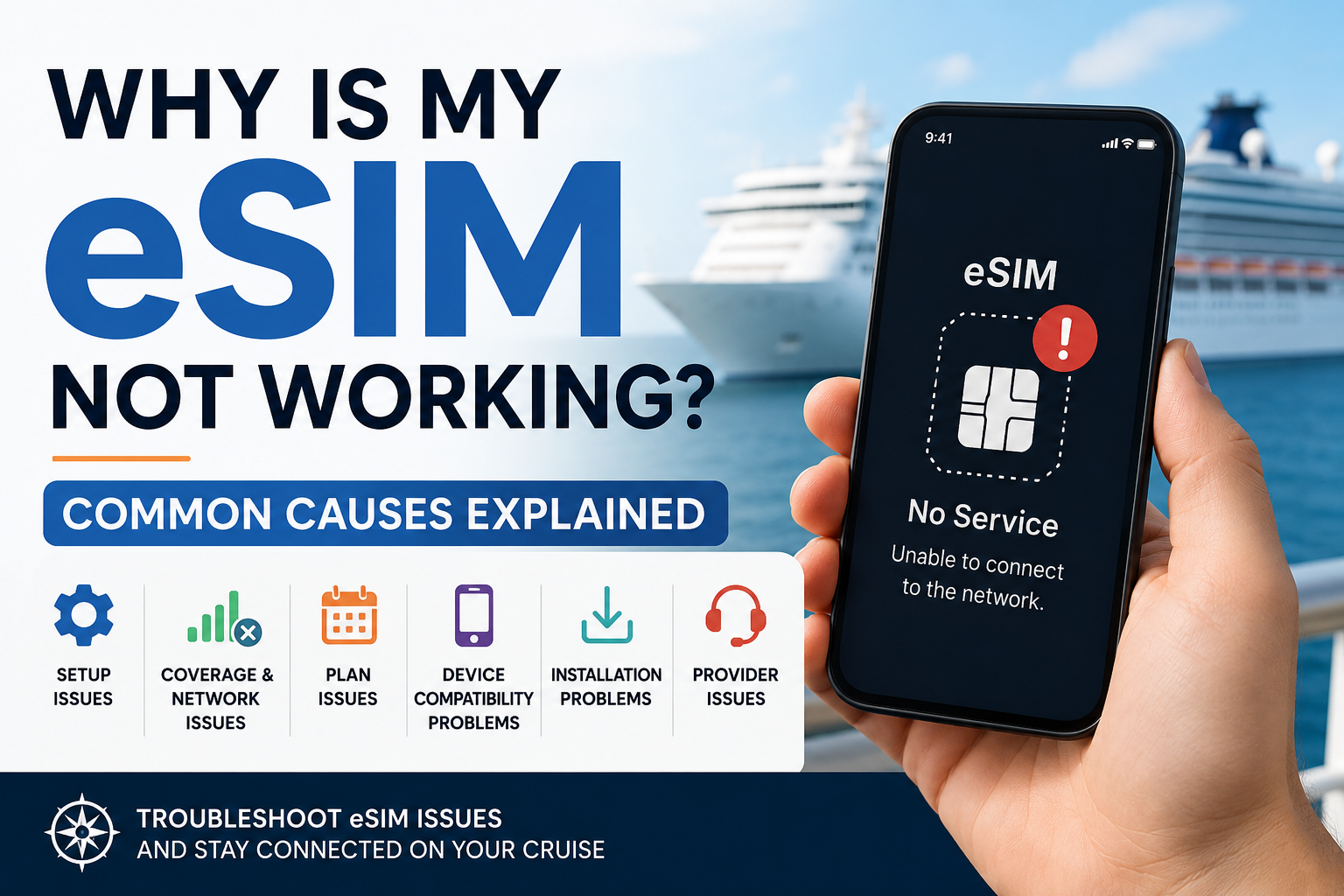
eSIM not working? Your eSIM was installed successfully, but when you arrive at your destination, there's no signal or mobile data. It can be frustrating, but it doesn't usually mean your eSIM is broken.
In most cases, the issue comes down to your phone's settings, network coverage, your data plan, or your provider. Understanding the underlying cause is the first step toward getting connected again.
In this guide, we'll explain the most common reasons an eSIM isn't working. If you're looking for step-by-step fixes, check out our dedicated eSIM troubleshooting guide.
eSIM Activated but Not Working? (Quick Answer)
The most common reasons an eSIM doesn't work are delayed activation, incorrect mobile data settings, unsupported coverage, an expired or depleted data plan, a carrier-locked phone, incorrect APN settings, or a previously used activation QR code. Most issues are related to setup, coverage, or plan status rather than a faulty eSIM.
eSIM Not Working: Common Reasons an eSIM Doesn't Work
If your eSIM isn't connecting, the problem usually falls into one of five categories:
setup issues,
network, provider and coverage issues,
eSIM plan issues,
device compatibility problems
installation problems.
Knowing which category your problem belongs to can help you understand why eSIM is not working and make it easier to find the right solution.
1. Setup Issues
Setup issues are the most common reason an eSIM doesn't work, especially when you've just installed a new travel eSIM. In many cases, the eSIM is installed correctly, but one small setting or activation step is preventing it from connecting.
The eSIM Hasn't Been Activated Yet
Not all eSIMs activate the same way. Some become active as soon as they're installed, while others only activate when you arrive at your destination and connect to a supported network. Some providers also require you to complete activation through their app before the plan can be used.
The Wrong SIM Is Selected for Mobile Data
If your phone supports Dual SIM or you have multiple eSIMs installed, it may still be using your home SIM or another eSIM for mobile data. Simply installing a travel eSIM doesn't always make it the active data line.
Data Roaming Is Turned Off
Most travel eSIMs connect through roaming agreements with local mobile networks, so Data Roaming usually needs to be enabled for the travel eSIM. Many travelers assume roaming should always be turned off, making this one of the most commonly overlooked settings.
Airplane Mode Is Still Enabled
It sounds obvious, but it's easy to forget after a flight. If Airplane Mode is still turned on, your phone won't connect to any mobile network until it's switched off. This is one of the quickest things to check after landing.
2. Coverage, Network and Provider Issues
Sometimes there's nothing wrong with your eSIM at all. The problem is simply that it can't connect to a supported mobile network. Coverage varies between providers, and even supported networks can occasionally experience temporary issues.
Your Destination Isn't Covered
Not every eSIM works in every country. Some plans only cover a single destination, while others cover an entire region or even multiple continents. Before traveling, it's important to check that your destination is included in your provider's list of supported countries.
There's No Signal in Your Current Location
Even in a supported country, mobile coverage isn't available everywhere. You may temporarily lose service in rural areas, underground stations, mountains, remote islands, or other locations with limited network infrastructure. The same applies on cruise ships sailing outside supported maritime coverage.
The Local Network Is Experiencing Problems
Although uncommon, local mobile networks can experience temporary outages, maintenance, or heavy congestion. When this happens, your eSIM may show limited service or fail to connect even though your phone and plan are working correctly. In most cases, service returns once the network issue has been resolved.
Provider Issues
Not every eSIM problem is caused by your phone or its settings. Sometimes the issue is on the provider's side, such as activation delays, backend provisioning errors, roaming partner problems, temporary network outages, or account and payment issues. If you've ruled out setup, coverage, device, and installation problems, the next step is usually to contact your eSIM provider, as these issues can typically only be resolved by their support team.
3. eSIM Plan Issues
Unlike traditional mobile phone contracts, most travel eSIMs are prepaid. They come with a fixed amount of data, a set validity period, or both. Once you reach one of those limits, your eSIM may stop working until you purchase a new plan or add more data.
The Plan Has Expired
Every travel eSIM has a validity period, such as 7, 15, or 30 days. Depending on the provider, this countdown may begin when you purchase the eSIM data plan, when you install the eSIM, or when it first connects to a supported network. Because activation rules vary, it's important to understand when your provider starts counting the validity period.
You've Used All Your Data
Most travel eSIMs include a fixed data allowance, such as 5 GB or 20 GB. Once you've used all of your data, your connection may slow down, or it may stop completely, depending on your provider. If your eSIM suddenly stops working after several days of use, you've likely reached your data limit.
4. Device Compatibility Problems
Sometimes the eSIM is working exactly as intended, but your phone isn't fully compatible with it. Device restrictions, software limitations, or carrier settings can prevent an eSIM from connecting, even if it installs successfully.
Your Phone Is Carrier Locked
Some phones purchased through mobile carriers are locked to that carrier's network. While the eSIM may install without any issues, the phone may block third-party eSIMs from connecting to other networks until it has been officially unlocked.
Your Phone Doesn't Fully Support eSIM
Not every smartphone supports eSIM technology. Older devices may not include eSIM hardware, and some regional models or carrier-specific versions have eSIM functionality disabled. Before purchasing an eSIM, it's worth checking that your exact phone model supports eSIM in the country where it was sold.
5. Installation Problems
Installation problems are less common than setup or coverage issues, but they can still prevent an eSIM from working correctly. In many cases, the eSIM profile wasn't installed successfully or requires additional configuration before mobile data will work.
The QR Code Has Already Been Used
Most eSIM activation QR codes are designed for a single installation. If the code has already been scanned, or the eSIM was removed from your phone after installation, it usually can't be used again. In these cases, you'll typically need a new activation code from your eSIM provider.
The Installation Didn't Finish Properly
An interrupted installation can leave the eSIM only partially configured. This may happen if the setup process was cancelled, the phone lost its internet connection during installation, or the eSIM profile was accidentally deleted before it finished activating.
APN Settings Need Manual Configuration
The Access Point Name (APN) tells your phone how to connect to the provider's mobile data network. Most eSIMs configure these settings automatically, but some providers require you to enter them manually. If the APN is incorrect or missing, your phone may show a mobile signal while mobile data and internet access still don't work.
If you've identified the likely cause but your eSIM still isn't working, follow our step-by-step eSIM troubleshooting guide to diagnose the problem and get connected.
Read more: