Cruise Internet and Connectivity
Does Airplane Mode Stop Cruise Charges?
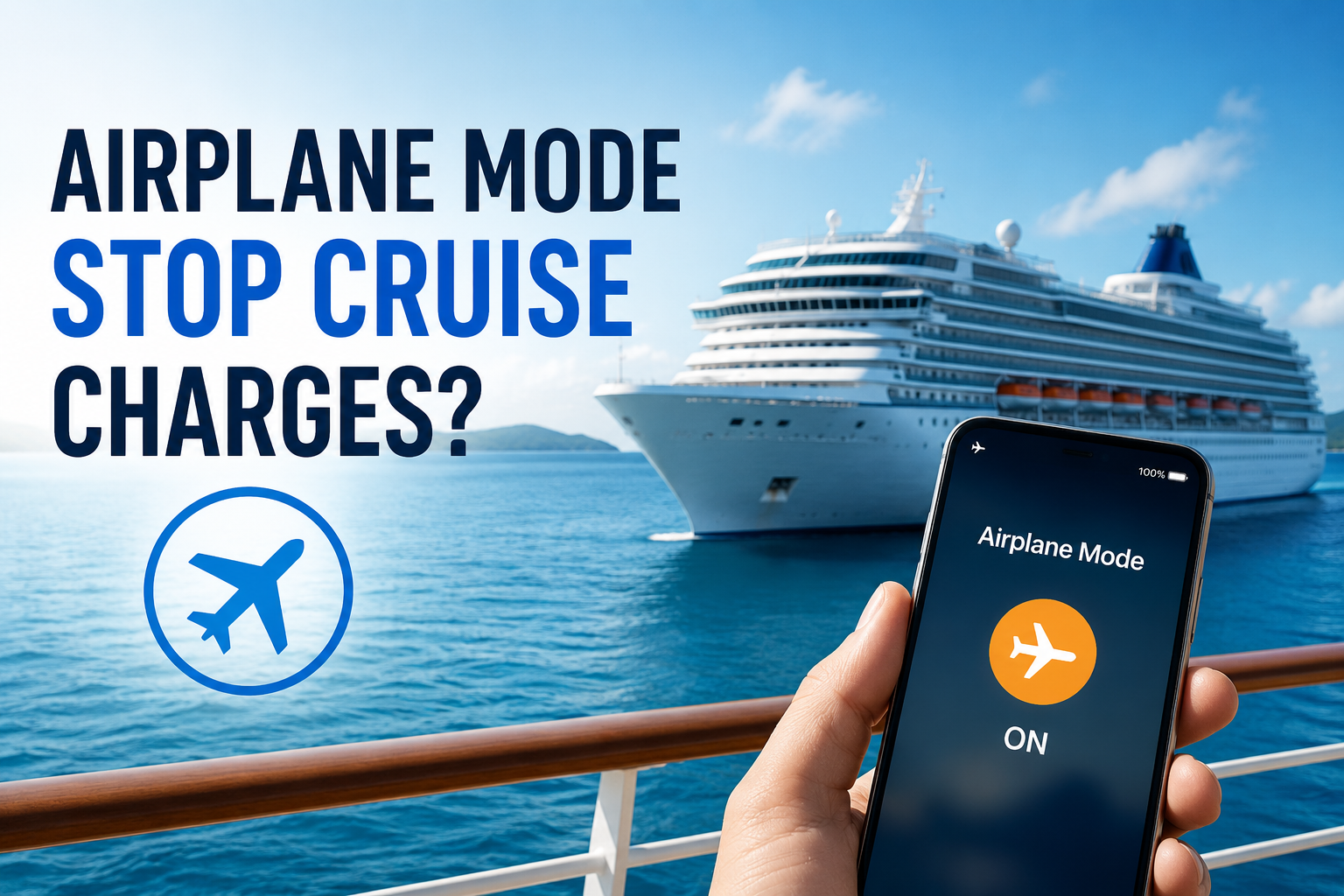
Roaming charges." Your first instinct is probably the same as everyone else's — flip on airplane mode and call it a day. No signal, no charges, no problem, right?
That instinct is mostly correct. Airplane mode really is your best defense against the steep per-minute and per-megabyte fees carriers charge when your phone connects to a ship's onboard network or a foreign port's towers. But "mostly correct" isn't the same as "foolproof", and that small gap is exactly where surprise bills tend to slip through.
Before you set sail, it's worth understanding not just that airplane mode works, but how it works, and where its blind spots are.
Why People Worry About Cruise Phone Charges
The fear isn't irrational, it's earned.
Maritime roaming is one of the most expensive types of cell service that exists, and most people only learn the rates after they've already been charged. Depending on your carrier, a single minute of talk time at sea can run anywhere from $2 to $15, and data is often billed per megabyte rather than gigabyte, meaning a few background app refreshes can add up shockingly fast.
The reason it happens so easily is that most cruise ships have their own onboard cellular network, run through a system called Maritime Cellular Service. It connects to shore (or a satellite) to relay calls, texts, and data. The catch is that this network typically kicks in automatically once your ship is roughly 3 to 12 miles offshore. No prompt, no warning, no "would you like to connect?" pop-up. Your phone sees a signal, assumes it's a normal carrier tower, and joins it the same way it would join any roaming network on land.
That automatic handoff is where the horror stories come from. Search online and you'll find plenty of them: a phone left with data roaming on, forgotten in a cabin drawer for a week, syncing photos and emails the entire time. A kid's tablet quietly downloading app updates in the background. A smartwatch pinging its own cell connection independent of the phone it's paired to. By the time anyone notices, the bill can run into the hundreds or even thousands of dollars — for a week where the person thought they were "unplugged."
It's this combination of steep per-unit pricing, automatic connection, and total invisibility until the bill arrives that makes cruise phone charges something worth actually planning for, rather than just hoping your settings are right.
Read more: How Cruise Ship Internet Works
What Airplane Mode Actually Does
Airplane mode works by shutting off your phone's radios at the hardware level.
The moment you flip the switch, your phone stops transmitting or receiving on its cellular antenna, and, depending on your device, Wi-Fi and Bluetooth get switched off too. These aren't just apps being paused in the background; the physical connections themselves go dark, which is why airplane mode was originally designed to satisfy aviation rules against radio interference in the first place.
For cruise purposes, the part that matters most is the cellular radio. With it disabled, your phone can no longer search for or register with a nearby tower, whether that's a ship's onboard maritime network or a cell tower from a port city you're passing. Normally, your phone is constantly scanning for the strongest available signal and joining it automatically, without asking you. That's convenient on land, where the "network" is your own carrier. At sea, it becomes the exact behavior that triggers roaming charges, since the ship's system and foreign towers look like just another network to connect to.
By cutting that scanning-and-joining process off entirely, airplane mode removes the single biggest source of accidental charges: your phone quietly connecting to a network you never chose, and racking up per-minute or per-megabyte fees before you even realize a connection was made. It's not a workaround or a trick, it's the most direct way to guarantee your phone isn't reachable by any cellular network at all.
The Blind Spots Airplane Mode Doesn't Cover
Airplane mode blocks cellular roaming reliably, but it isn't a total force field around your phone. A few gaps are worth knowing about before you assume you're completely in the clear.
The most common one is Wi-Fi. Many people re-enable Wi-Fi shortly after turning on airplane mode, usually because the ship requires it for its own app - checking the daily schedule, booking dinner reservations, or messaging other passengers onboard. This isn't a hidden trap, since it's typically a purchased or ship-provided service with a clear cost upfront, but it's easy to forget you've re-opened a connection at all. Just because Wi-Fi is separate from cellular roaming doesn't mean it's free, so it's worth checking exactly what you signed up for.
Then there's the moment you turn airplane mode off again, usually once you're back in port. Your phone often has a backlog of queued activity waiting to happen: texts that couldn't send, emails waiting to sync, photos waiting to upload. The instant your cellular radio reactivates, all of that can fire off at once, and if you're still technically in a zone where your phone briefly latches onto a foreign tower before finding your home carrier, that burst of activity can rack up charges before you notice.
A few device- and carrier-specific quirks add to this. Apple's iMessage and visual voicemail, for example, have been known to briefly attempt a connection even when airplane mode is toggled, especially right as it's switched on or off, due to how those services handle background syncing.
Finally, smartwatches are an easy blind spot to overlook. If you have a cellular-enabled watch, it doesn't necessarily follow your phone's airplane mode setting. Many models have their own SIM or eSIM and can maintain an independent connection to a network, meaning your watch could still be roaming even while your phone sits safely in airplane mode.
None of these gaps are dramatic on their own, but together they explain why "airplane mode" and "zero risk" aren't quite the same thing.
Best Practices for Avoiding Charges
Knowing airplane mode's blind spots is useful, but the real value comes from turning that knowledge into a simple routine. A few habits go a long way toward making sure your phone stays silent the entire trip.
Start early. Rather than waiting until the ship pulls away from the dock, switch on airplane mode before you even board. Ports are exactly the kind of place where phones flip between towers as you move around, and boarding day tends to be chaotic enough that it's easy to forget the setting later. Building it into your pre-boarding routine, right alongside packing your boarding pass and ID, removes the guesswork.
Be deliberate about Wi-Fi. It's fine to turn Wi-Fi back on once you're aboard, but only do it on purpose, when you've actually purchased the ship's internet package or specifically want to use the cruise line's app. Treat it as a separate decision from airplane mode itself, not something that happens automatically alongside it.
Talk to your carrier before you go. Many major carriers now offer cruise-specific passes or international day-pass plans that provide a fixed daily rate for calls, texts, and data at sea. These aren't necessary if you're planning to stay fully offline, but if you know you'll want some connectivity, a flat-rate plan is far safer than pay-per-use roaming.
Add a backup layer if you're unsure. Airplane mode is reliable, but if you want extra peace of mind, you can also manually disable cellular data and data roaming in your phone's settings. It's a bit redundant, but for anyone nervous about a setting not sticking, it's a low-effort way to double up on protection.
Finally, test it once you're somewhere it's safe to check. At your first port stop, send yourself a text or check your phone's signal bar before assuming everything is working as expected. It only takes a moment, and it turns "I think I'm fine" into "I know I'm fine" for the rest of the trip.
Can You Use Bluetooth in Airplane Mode?
Yes. Airplane mode turns Bluetooth off at first, but you can manually switch it back on afterward, and it will keep working as normal.
That's good news for accessories like:
Wireless headphones or earbuds
Smartwatches
Portable keyboards
Fitness trackers
Bluetooth connects your devices directly to each other over a short-range signal, with no cell towers or carrier networks involved. Since no data passes through a billable network, it can't trigger roaming charges. So you can safely use your headphones, check your watch, or type on a Bluetooth keyboard the whole cruise, no cellular risk involved.
Cruise eSIMs: Another Way to Stay Connected
A cruise eSIM is a prepaid digital SIM built for use at sea. Instead of unpredictable pay-per-use roaming, you buy a set amount of data upfront, so you know your cost before you sail.
A few things to know:
Works on supported cruise ships and itineraries
Connects to the ship's maritime network
Offers prepaid data instead of pay-per-use roaming
May also work in supported countries once the ship is in port
Coverage depends on the cruise line, ship, and destination
For anyone who wants more connectivity than airplane mode allows, without the risk of a surprise bill, a cruise eSIM is a predictable middle ground between going fully offline and paying standard roaming rates.
Airplane Mode vs Cruise Wi-Fi vs Cruise eSIM
Feature | Airplane Mode | Cruise Wi-Fi | Cruise eSIM |
|---|---|---|---|
Prevents roaming charges | ✅ Yes | ✅ Yes | ✅ Yes |
Internet access | ❌ No | ✅ Yes | ✅ Yes |
Works while sailing | Only with Wi-Fi enabled | ✅ Yes | On supported ships |
Works in port | ❌ No | Limited to ship Wi-Fi | Yes, in supported destinations |
Calls and texts | No (unless Wi-Fi calling) | Wi-Fi calling may work | Data only (most plans) |
Cost | Free | Usually paid | Prepaid plan |
Read more: